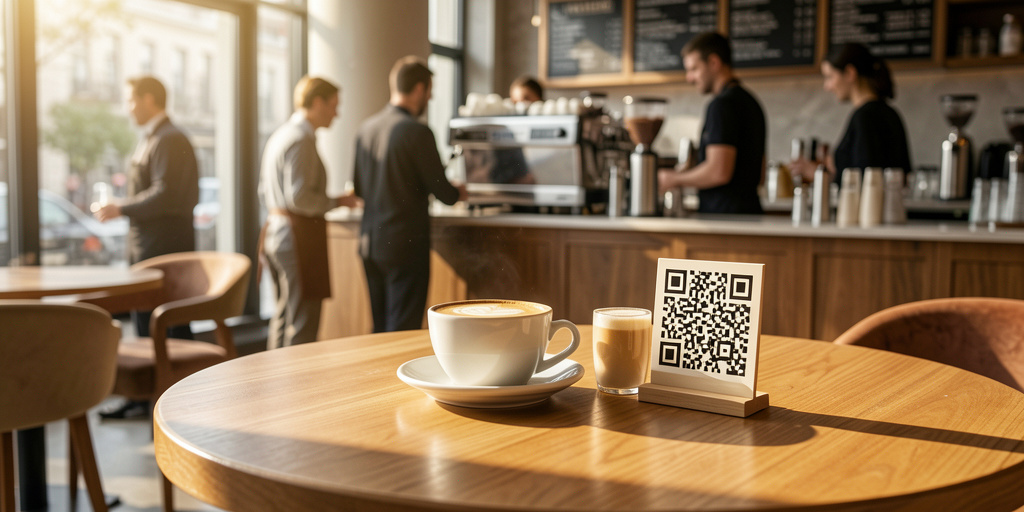
A Free QR Menu Generator is a tool that creates a digital version of your food and drink list, accessible via a scannable code. It eliminates the need for physical menus, allowing owners to update prices and items instantly from a smartphone. It cuts printing costs, improves hygiene, and ensures customers always see the most accurate inventory.
Stop Burning Cash on Paper with an Online Menu Creator Free
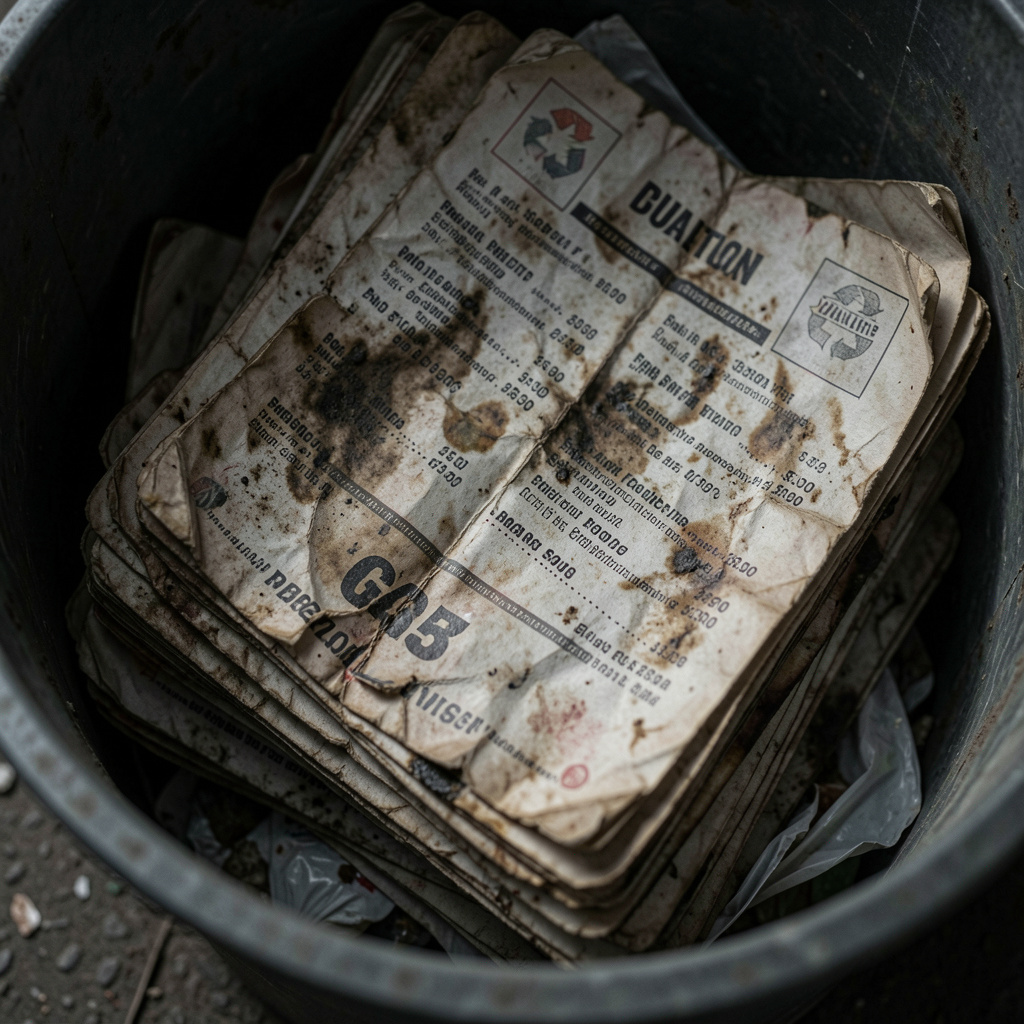
Let’s be honest. You’re spending a fortune on things that don’t make your food taste better. Every time you change a price because your egg supplier hiked their rates, you’re stuck. You either cross out the price with a Sharpie like a dive bar in the 80s, or you fire up the office printer. Then you realize you’re out of toner. That’s another $60 gone. Then you have to laminate them. It’s a cycle of waste that eats your margins.
I’ve seen it a thousand times. A weekend rush hits, and halfway through, you realize the “Special” is sold out. But you’ve already handed out forty paper menus. Now your servers have to apologize at every single table. “Oh, sorry, the chef actually ran out of the brisket.” It makes you look disorganized. It kills the vibe. An online menu creator free of these headaches changes the entire flow of your floor. You update the digital master, and the problem vanishes.
The friction isn’t just the money; it’s the labor. Think about the time your staff spends wiping down sticky, plastic-coated menus. It’s gross, it’s tedious, and it’s a waste of their talent. They should be upselling drinks or checking on guests, not scrubbing dried salsa off a piece of cardstock. Moving to a digital system takes that task off their plate permanently.
When you use QR Menu Maker, you aren’t just putting a PDF on a screen. You’re creating a living document. If you’re a bakery and your sourdough sells out by 10:00 AM, you don’t want people asking for it at noon. You toggle it off. Done. No more disappointed faces. No more “let me check with the kitchen” delays. You’re running a tighter ship, and your bank account will show the difference in saved printing costs alone.
AI Scanning: From Grease-Stained Paper to Digital in Seconds
Most “free” tools are a pain in the ass. They give you a blank box and tell you to start typing. You’ve got a hundred items. You don’t have four hours to sit in the back office and type “Avocado Toast” and “Caprese Salad” over and over again. You have a restaurant to run. This is where most digital transitions fail—the setup is too much work for a stressed-out owner.
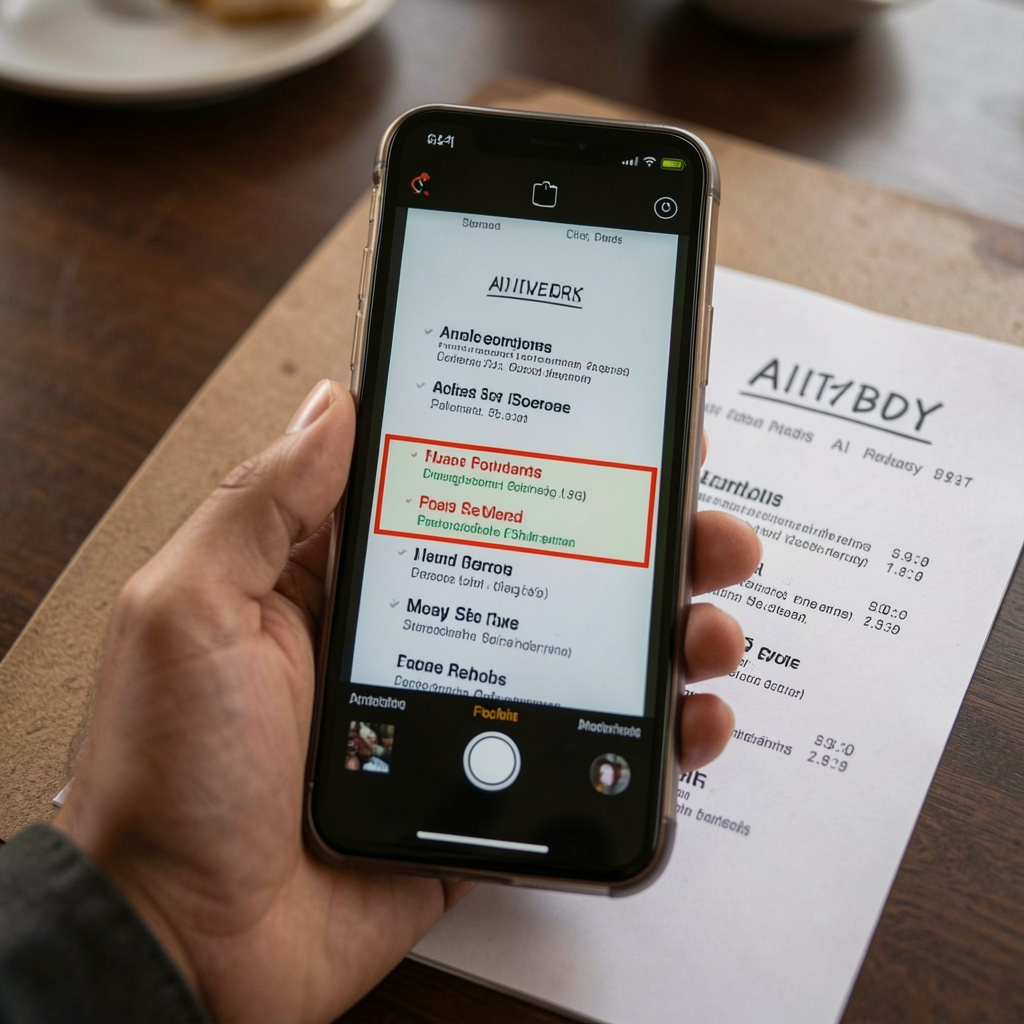
The QR Menu Maker platform solves this with actual AI scanning. You take your current menu—yes, even the one with the coffee rings on it—and you snap a photo. The AI reads the text, identifies the prices, and builds the digital structure for you. It’s not magic; it’s just better tech. You spend ten minutes reviewing what it found instead of ten hours data-entering your entire life’s work.
Think about the last time you tried to use a generic design tool. It’s built for making birthday cards, not for the high-speed reality of a kitchen. You don’t need fancy clip art; you need a system that understands how a menu works. Our AI identifies categories like “Appetizers” and “Mains” automatically. It’s built for the restaurant workflow, which is a world away from a generic “design” environment.
This speed is vital for seasonal spots. If you’re a farm-to-table joint and your menu changes every Tuesday based on what the truck brings in, you can’t be tethered to a slow process. You snap the new handwritten list, let the AI digitize it, and you’re live before the doors open. This is about agility. In this industry, the slow die. The fast, digital-first shops are the ones that actually see a profit at the end of the month.
| Feature | Traditional Paper Menus | QR Menu Maker (Digital) |
|---|---|---|
| Cost of Updates | $50-$200 (Print + Ink + Labor) | Included in $9.99/mo or $49.99/yr |
| Update Speed | Hours/Days (Design + Print) | Seconds (Instant Sync) |
| Customer Experience | Sticky, dated, often incorrect | Clean, modern, always accurate |
| Inventory Sync | Impossible (Manual 86-list) | Real-time (Hide items instantly) |
| Data & Insights | None (Guesswork) | Analytics dashboard included |
The Taproom and Brewery Nightmare: Managing Rotating Kegs
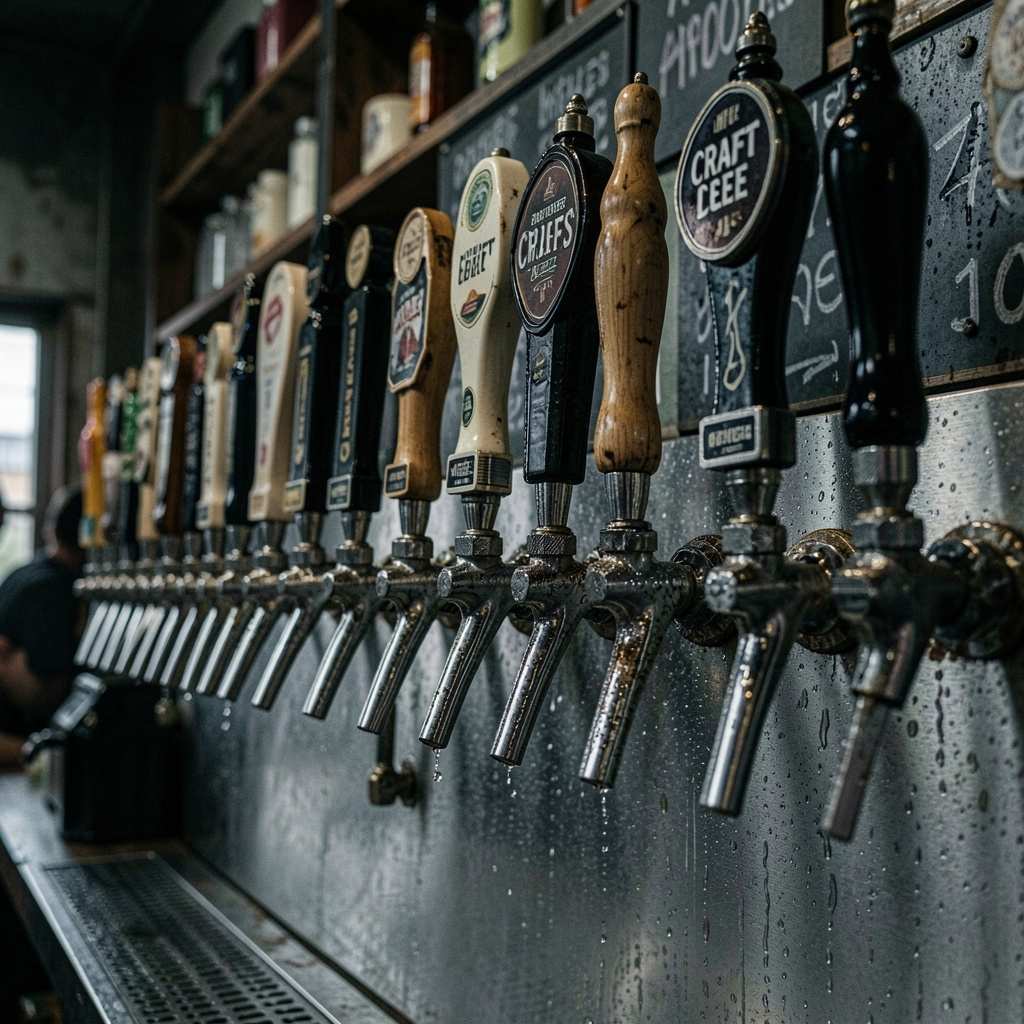
If you run a brewery or a taproom, you know the “keg kick” panic. You have sixteen taps. One blows on a busy Friday at 8:00 PM. The bartender is slammed. They don’t have time to go to the chalkboard and erase the name, let alone print a new beer list. So, they just tell every third person, “Actually, that IPA is out, we have this other one now.” It’s a mess.
A free restaurant digital menu is the only way to stay sane in the craft beer world. You need to be able to swap out a seasonal pour or update a Crowler price in three taps on your phone. If you’re rotating kegs every few days, paper menus are literally impossible. You’d be spending more on paper than on hops. Our platform allows for specific niche language—tap lists, rotating pours, and seasonal kicks—right out of the box.
Don’t forget the “coffee flight” or “tasting paddle” logic. These are high-margin items that are a pain to describe on paper because the components change so often. With a digital setup, you can update the flight list daily. You can even include tasting notes or ABV percentages that actually help sell the drink. People buy with their eyes first. A clean, digital list that they can scroll on their own phone makes them more likely to try that expensive barrel-aged stout.
The taproom environment is also notoriously hard on physical materials. Spilled beer, condensation from glasses, and general bar grime ruin paper in minutes. A QR code sticker on the table or a rugged stand is bulletproof. You wipe the table, and the “menu” is as good as new. No more soggy, yellowed sheets of paper that make your premium beer look cheap.
Real-Time 86ing: No More “Let Me Check the Kitchen”
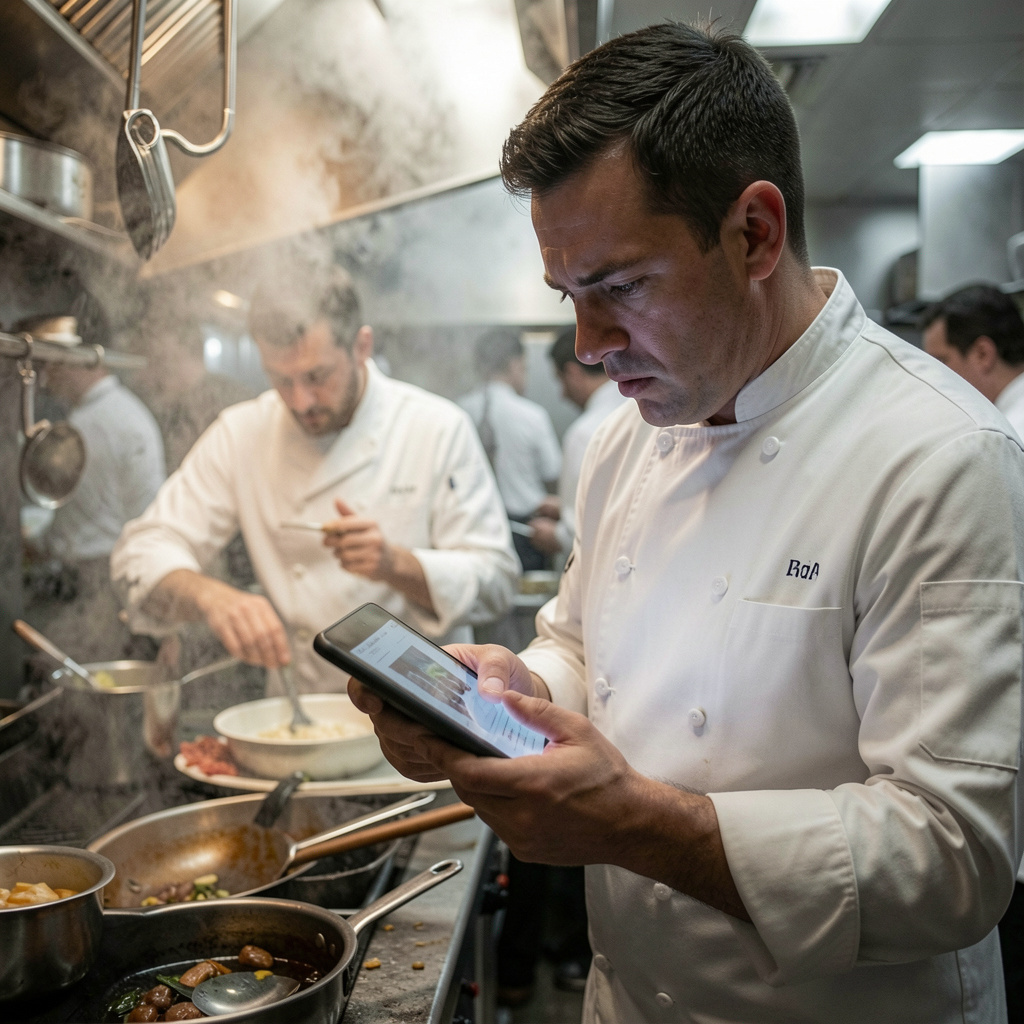
The “86-list” is the bane of every restaurant’s existence. It’s usually a piece of masking tape on a stainless steel fridge that half the staff can’t read. Your server takes an order for the sea bass, walks to the terminal, and only then realizes it’s gone. Now they have to go back to the table and break the news. It’s a 5-minute delay that cascades into every other table being served late.
When you use Contactless PDF Menus that are actually dynamic, that friction disappears. You don’t just “show” a menu; you manage it. The second the kitchen sells the last portion, someone—the manager, the lead line cook, or the owner—updates the app. The item is gone from the customer’s view. No more awkward “sorry” conversations.
This level of control is mandatory for dark kitchens and fast-food outlets where speed is the only metric that matters. If you’re running a delivery-heavy operation, your digital presence is your restaurant. There is no front-of-house to explain mistakes. If an item is on the menu, it better be in the fridge. Being able to sync your availability across all platforms via one digital source of truth is a game-changer.
Let’s talk about the “combo deal” or the “meal upgrade.” These are your profit drivers. On a paper menu, they often get lost in the clutter. On a digital menu, you can highlight them. You can use themes and color branding to make sure the high-margin items pop. You’re not just providing a list; you’re using a sales tool that adapts to your inventory in real-time.
The Economics of $9.99: Why Bloated POS Menus are a Scam

You’ve probably looked at Toast or Square. They want to sell you everything—the hardware, the payment processing, the scheduling, and the “digital menu” add-on. Suddenly, you’re looking at a $200 a month bill just to show people what you have for lunch. For a small bakery or a food truck, that’s insane. You don’t need a “POS-lite” that’s heavy on fees and light on design.
Our pricing is built for the person who actually cares about their P&L. At $9.99 a month—or even better, $49.99 for the whole year—it costs less than a single pack of high-quality printer paper. We focus on one thing: making your menu look incredible and keeping it easy to manage. We aren’t trying to take a percentage of your credit card swipes. We just want to fix your menu problem.
Think about the ROI here. If this system saves your server 10 minutes of “explaining the 86-list” per shift, it pays for itself in two days. If it saves you one trip to the office supply store for ink, it pays for itself for the month. This isn’t corporate fluff; this is basic math. Every dollar you don’t spend on physical waste is a dollar that stays in your pocket.
We support iOS, Android, and Web. That means you don’t need to buy special tablets for the staff. They can use the phones they already have in their pockets to make updates. You can sit on your couch at home, realize you forgot to change the Sunday brunch prices, and fix it in thirty seconds. That’s the kind of freedom you don’t get with legacy systems that require you to be “on-site” to update the terminal.
Customization and Branding: Don’t Look Like a Template
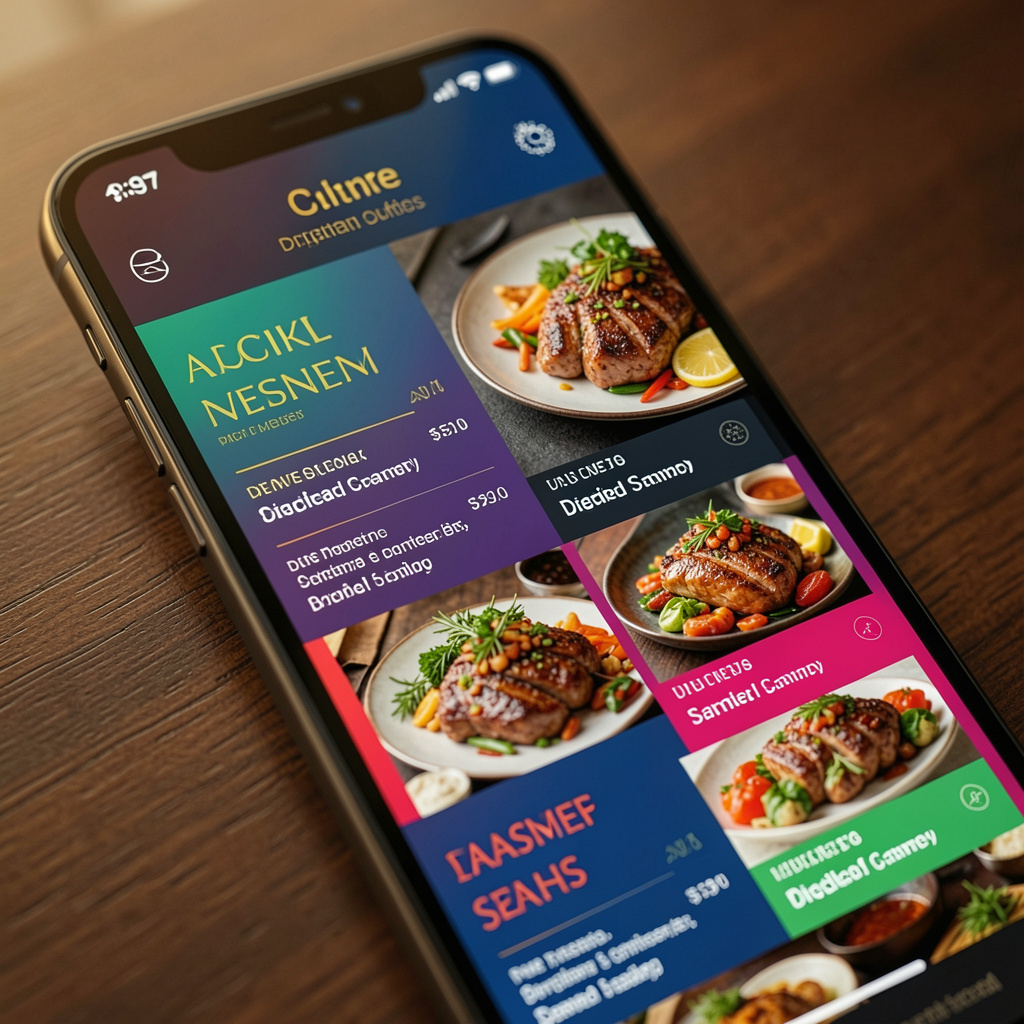
One of the biggest complaints about free QR menu makers is that they look “cheap.” They look like a white page with black text and no soul. Your restaurant has a brand. You’ve spent money on the interior, the lighting, and the plates. Your digital menu shouldn’t look like a generic spreadsheet. It’s an extension of your dining room.
With QR Menu Maker, you get customizable themes. You can match your brand’s colors and vibe. Whether you’re a dark, moody wine bar or a bright, airy vegan cafe, the menu should feel like it belongs to you. You can upload photos of your dishes that actually make people hungry. A photo of a glistening burger sells way better than just the word “burger” in 12-point font.
And let’s talk about the “link” factor. When you create a digital menu, you get a shareable web link. This isn’t just for the tables. You put that link in your Instagram bio. You put it on your Google Business profile. Now, when someone is searching for “best coffee near me” at 8:00 AM, they can see your actual menu, not a blurry photo of a paper menu someone uploaded to Yelp three years ago.
The transition from “PDF to web menu” is critical for SEO. Search engines can’t read a flat PDF file very well. But they can read a web-based menu. This means when people search for specific dishes in your area—like “gluten-free pancakes”—your digital menu helps you show up in those results. You’re turning your menu into a lead-generation tool without even trying.
Insights and Analytics: Knowing What Actually Sells
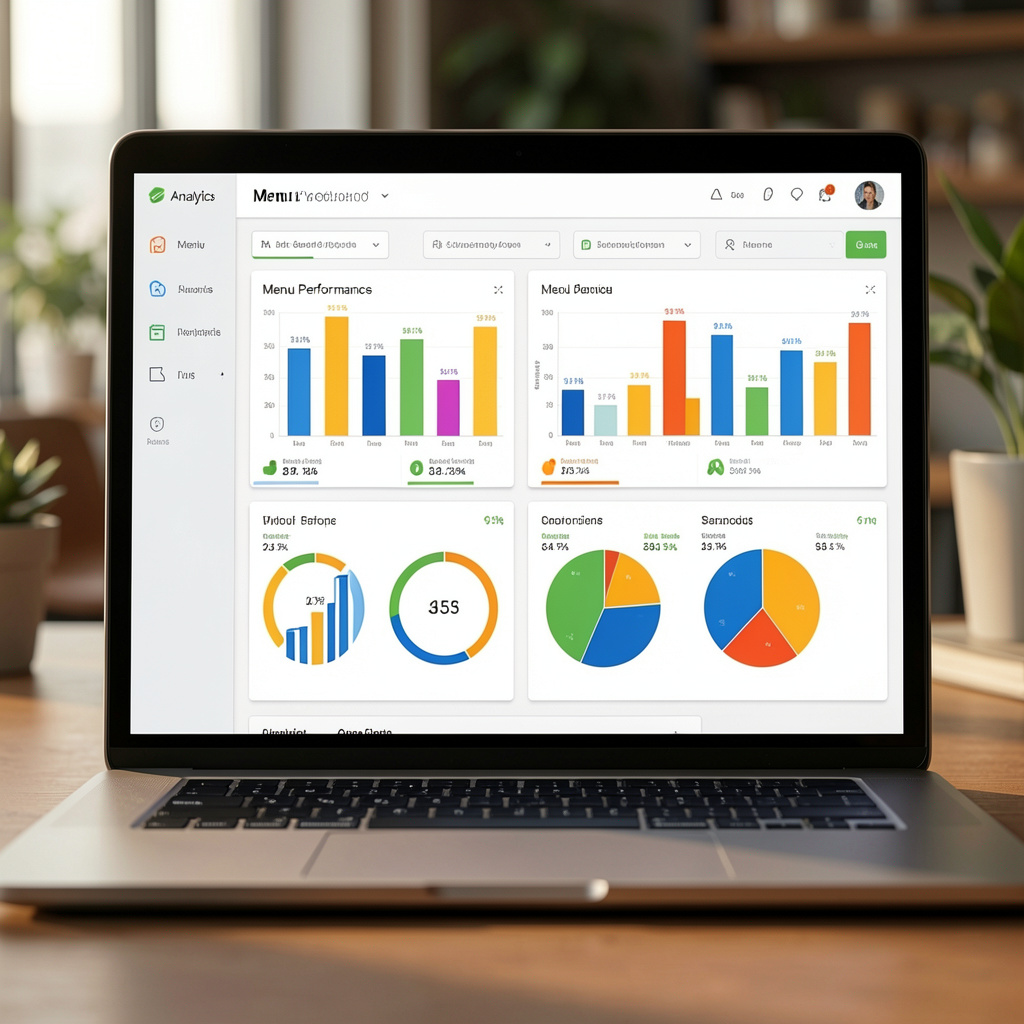
How many people actually looked at your wine list last night? With paper, you have no clue. You’re flying blind. You might think the Chardonnay is popular because you sell a few glasses, but what if fifty people looked at it and decided it was too expensive? That’s data you’re missing.
A digital menu gives you an insights dashboard. You can see which categories are getting the most clicks. You can see what time of day people are browsing. This info is gold for planning your specials. If you see everyone is clicking on the “Sides” section but not ordering them, maybe your side prices are too high. If nobody is clicking on the “Dessert” section, maybe you need better photos or a better layout.
This is how big chains operate. They analyze every square inch of their menu to maximize profit. Now, for $9.99 a month, you have the same power. You can see which “Meal Upgrades” are catching eyes and which ones are being ignored. You can iterate. You can change a description, wait a week, and check the data to see if it worked.
This data also helps with staffing. If you see a huge spike in menu views on Thursday afternoons, maybe you need to prep more for that evening rush. It’s about taking the guesswork out of the hospitality business. You have enough to stress about; your menu performance shouldn’t be a mystery.
Staff Training and the Frictionless Handover
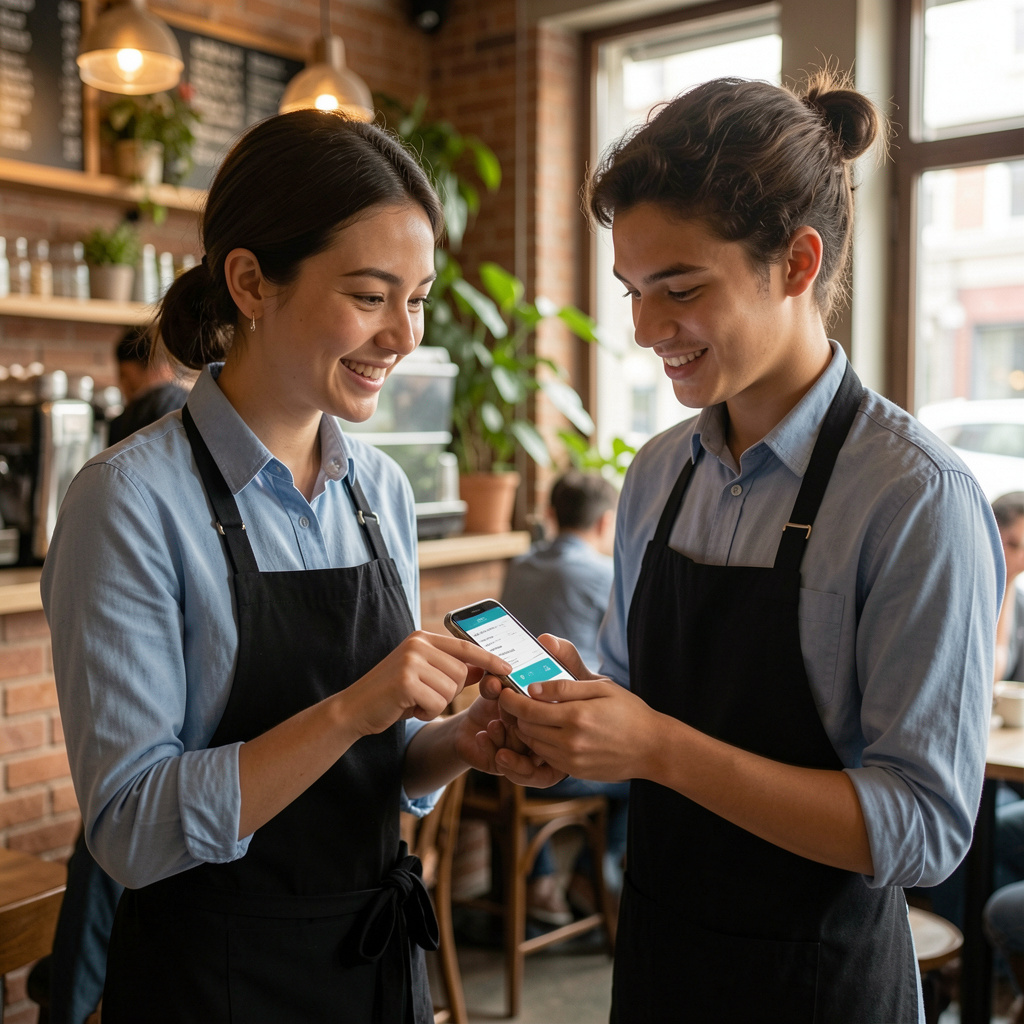
The biggest fear with any new tech is that the staff will hate it. Your veterans have been doing things the same way for twenty years. They like their notebooks and their physical menus. But here’s the secret: once they realize they don’t have to carry twenty heavy menus back and forth to the host stand, they’ll love it.
Training on this system takes minutes. Because it’s an app on their phone or a simple web interface, it’s intuitive. If they can use Instagram, they can update a menu. You don’t need a four-hour training session with a “specialist.” You show them how to toggle an item to “out of stock,” and they’re done. It empowers your team to handle problems as they happen.
Think about the “Fresh bake schedule” in a bakery. The person behind the counter is busy. They can’t keep updating a chalkboard every time a tray of croissants comes out. But they can tap a button on a tablet to move “Croissants” from “Coming Soon” to “Available Now.” It’s about making their jobs easier, not harder.
When your staff isn’t bogged down by the logistics of paper, they can focus on the guest experience. They can tell stories about the food, suggest pairings, and actually serve. Tech shouldn’t get in the way; it should fade into the background. A QR code is the most invisible, efficient way to bridge the gap between your kitchen and your customer’s stomach.
Dark Kitchens and the Future of Food Service
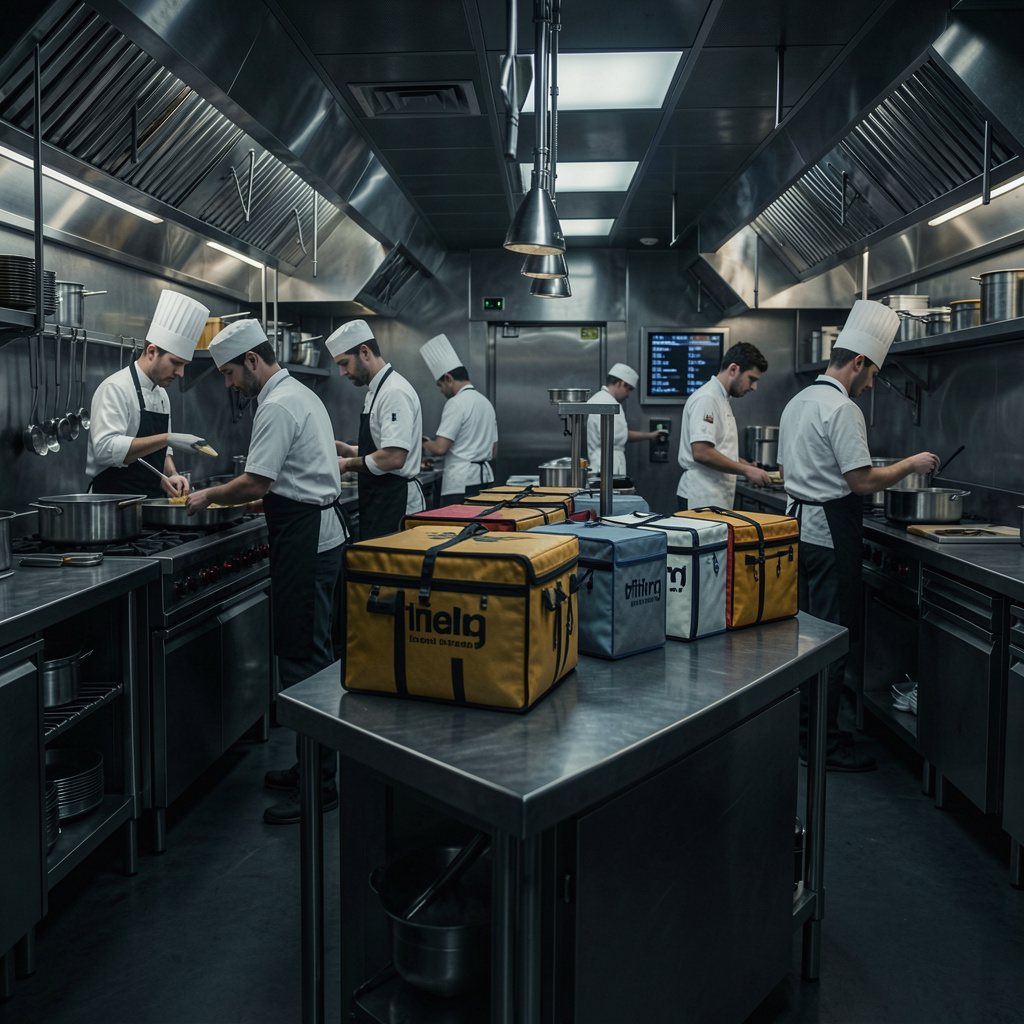
If you’re running a dark kitchen (or ghost kitchen), you don’t even have tables. Your entire existence is digital. Your menu is your storefront. In this world, a “Free QR Menu Generator” is your most important marketing asset. You’re sending out flyers, stickers on bags, and social media ads. Every single one of those needs a frictionless path to your food.
A digital menu allows you to create specific links for different campaigns. You can see which flyers are actually being scanned. You can update your “Kitchen prep time” or “Combo deals” based on how busy the line is. If the kitchen is getting crushed, you can hide the items that take twenty minutes to cook and highlight the “Quick-pick” items to keep the tickets moving.
The flexibility here is unmatched. You can run “Flash Sales” that only exist for two hours. You can test new concepts without committing to a single printed page. You want to try a “Taco Tuesday” pop-up inside your burger kitchen? Create a new menu category in five minutes, push it live, and see what happens. The barrier to entry for new ideas is now zero.
This is where the industry is going. The “modern restaurant” isn’t just about the food; it’s about the tech stack that supports the food. Whether you’re a high-end wine bar or a fast-food outlet, the expectation is the same: the guest wants information instantly, accurately, and on their own device. Don’t be the one left behind with a greasy piece of paper and a broken printer.